
resources
ANQ-L540 User Guide
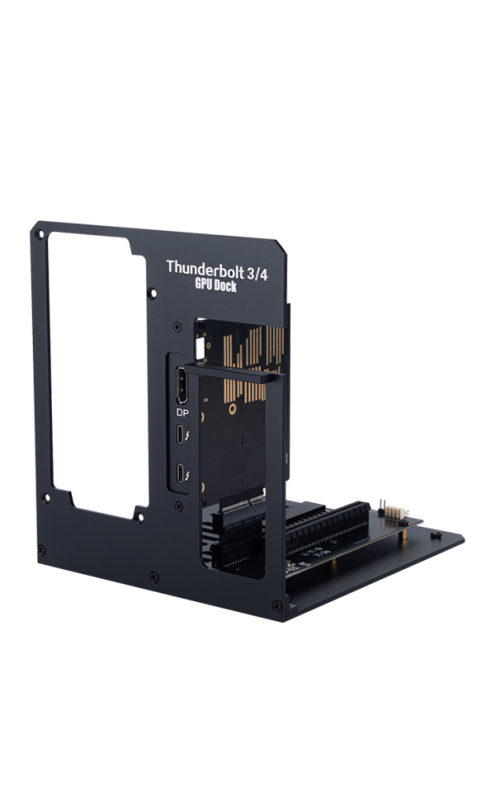
Mar
2.Driver Installaton
Q: Does it work on Ubuntu system?
A: Yes. We have tested it on Ubuntu with a laptop which has Intel CPU and a Mini PC which has AMD CPU, both can work. On Ubuntu, we suggest you to install the newest drvier version for external GPU.
Q: Why is there no performance improvement when using an external GPU?
A: Please follow the settings below to ensure high-performance use of the external GPU:
1) If you use Nvidia GPU card, in NVIDIA control panel – 3D settings – Adjust Image Settings with Preview – change the perference emphasizing to Quality. In Manage 3D Settings, select high-performance NVIDIA processor.
2) In Windows System – Power & battery, select Power Mode as Best performance.
Q: Why does my computer fail to recognize my NVIDIA 50-series graphics card, or why does it crash frequently?
A: Based on our understanding, the drivers for the 50-series graphics cards are currently not fully mature. Many desktop users are also encountering similar problems. The currently known solution is to downgrade your Windows 11 version to 23H2, or alternatively, downgrade your operating system to Windows 10, and then install the latest available drivers.
More Contents
How to locally deploy deepseek-R1 with eGPU? -> http://anquora.net/uncategorized/deepseek-local-deployment-using-an-egpu/
